

The three moments that decide whether a shopper buys
Table of contents
Picture a shopper searching "sneakers near me" on their phone. They find a store, click through, and the map shows the nearest location four miles away, except it's actually a fifteen-minute drive because of a river crossing the map didn't account for. They give up and buy from a competitor instead.
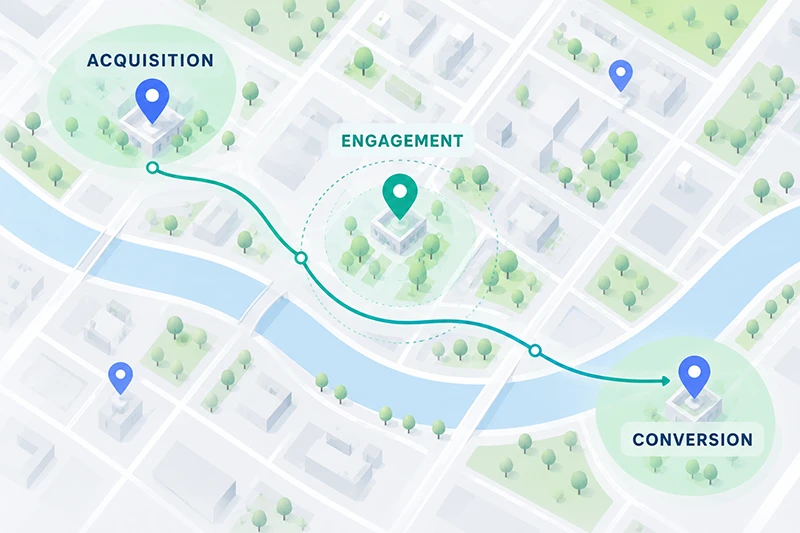
That's not a rare edge case. It's one version of a pattern that plays out constantly across ecommerce, and it maps to three distinct stages of the customer journey: acquisition, engagement, and conversion. Each stage has its own failure points, and location data touches all three.
The scale of the problem is well documented. Baymard Institute's research puts the average cart abandonment rate at 70.22%, and 17% of US online shoppers report abandoning an order specifically because of a "too long or complicated checkout process" (Baymard Institute).
Baymard also estimates that better checkout design alone could recover around $260 billion in lost orders across US and EU ecommerce. Location friction is a meaningful, fixable slice of that number.
Here's what actually matters at each stage.
Stage one: Acquisition
This covers everything that happens before a shopper commits to visiting your site or store. Two components do most of the work: the store locator and the store page.
The store locator
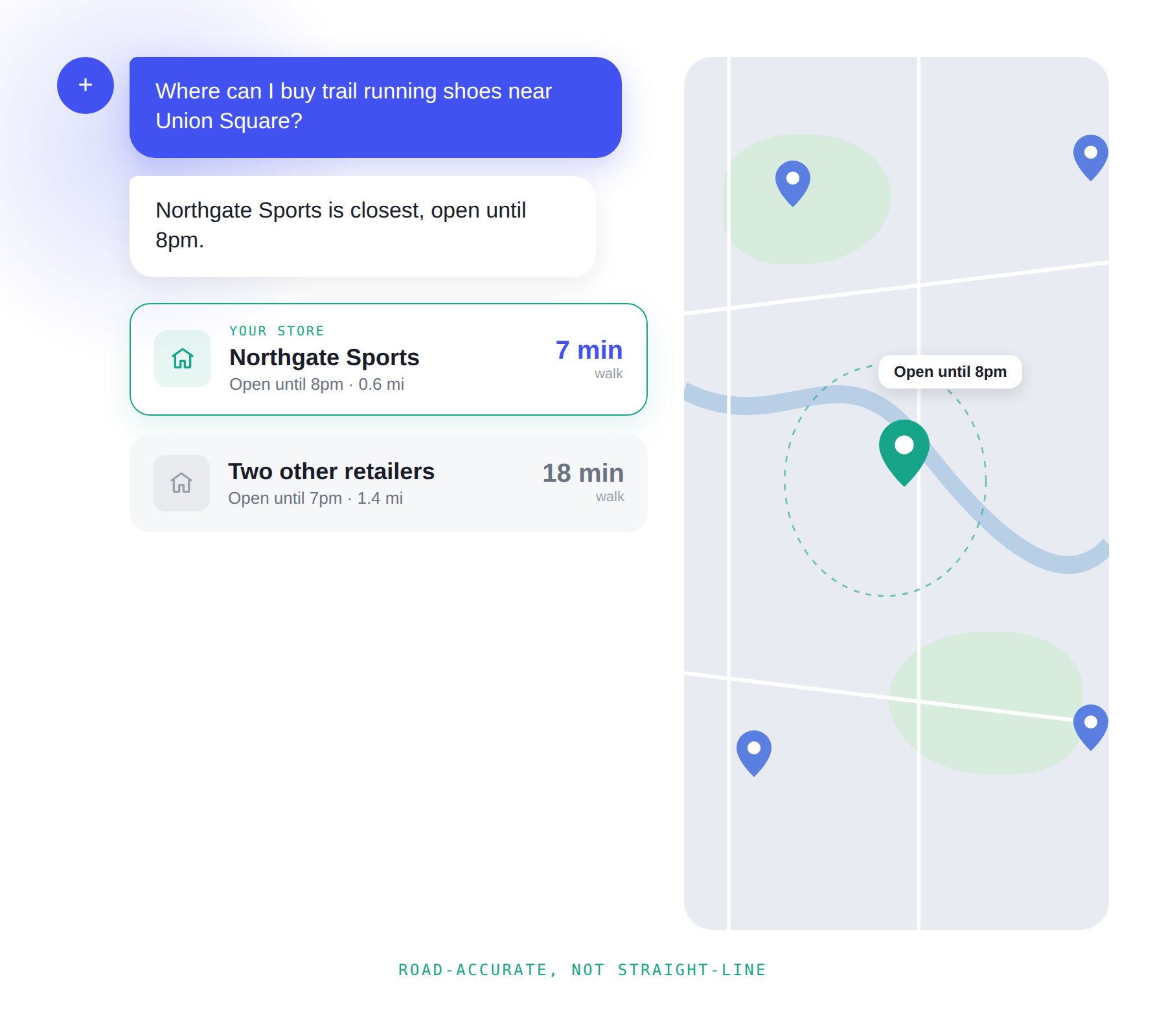
A locator's job is to answer "where can I get this" as fast and accurately as possible.
Distance should be road-accurate, not straight-line. A store that shows as "2 miles away" but takes 15 minutes to reach because of a river crossing or a one-way system creates exactly the mismatch in the sneakers example above. Road-accurate distance and travel time close that gap.
Geolocation locates about half your traffic instantly, no typing needed, and gets it right at the country level 95-99% of the time (ARIN). Address search, distance calculation, and map display bring that same accuracy to the rest, especially at the city level where precision matters most. That's why a ZIP code or city search belongs right next to the map, not buried as a fallback.
Map clarity matters more than it seems. Showing every store as its own small dot gives shoppers an honest picture of a brand's real footprint. You can also control which points of interest appear on the map, so a coffee chain isn't cluttered with competitor coffee icons.
Keep the shopper on your site for directions. Sending someone to a third-party map app risks losing them to a rival's ad or simply never seeing them return. Directions rendered on your own store page, with the option to switch to a preferred navigation app, keep the experience yours for longer.
The store page
Once a shopper picks a store, this page carries the acquisition job further. It's not just a landing page, it's increasingly a search result in its own right.
Structured data changes who finds you. Accurate opening hours, real reviews, and nearby points of interest reassure shoppers about the local context, and a small map on the store page does a lot of that work visually. Structured with JSON-LD, this data also feeds SEO and generative engine optimization: making your page the source an AI shopping agent cites when someone asks where to buy something nearby.
Retailers who structure their data properly are competing to be the answer.
Stage two: Engagement
Once a shopper is looking at a specific product, the question in their head shifts from "where are you" to "is this available, and where can I get it?" A product page that can't answer that quickly is asking the customer to do extra work just to find out if buying from you is even possible.
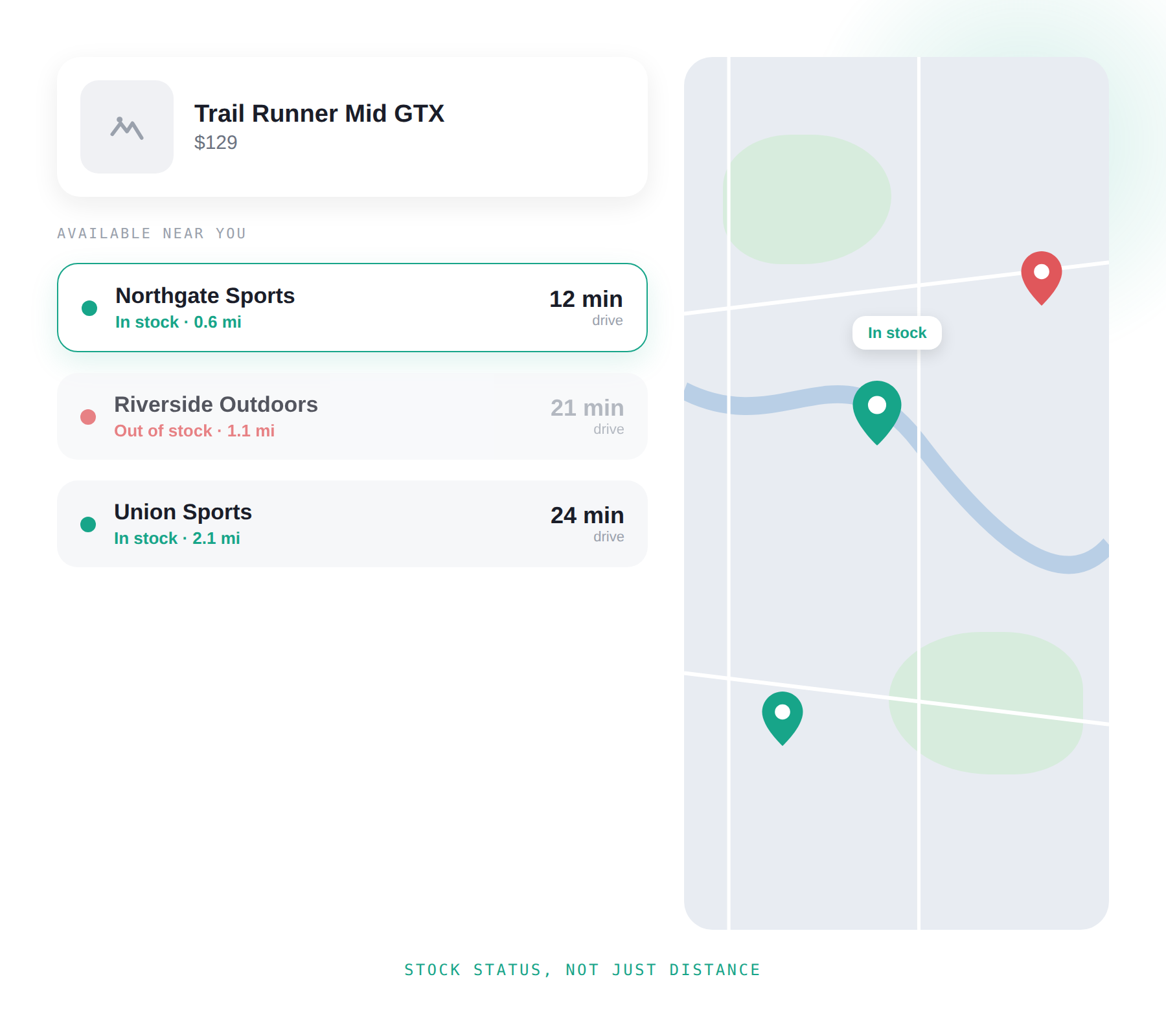
Surface nearby stock automatically. Geolocation, or a ZIP code or city search when geolocation isn't reliable enough, should return the nearest stores with the product actually in stock, without the shopper having to hunt for that information.
Make availability visible at a glance. Color-coded map markers, green for in stock and red for out, let a shopper scan a map of locations and immediately see where to go.
Distance still matters, but the calculation is different here. On the locator, distance answers "can I get to a store." On a product page, it answers a cost-benefit question: is this trip worth it? US curbside pickup data shows how much this decision matters at scale: curbside pickup retail sales in the US reached $154.3 billion in 2025, up from $132.76 billion in 2024, a rise of roughly 16% (Capital One Shopping).
Click-and-collect purchases are projected to account for 11.6% of all US ecommerce sales in 2026, climbing toward 14.7% by 2030 (Capital One Shopping). If the nearest store with stock is 40 minutes away, showing that clearly upfront lets a shopper decide before frustration sets in, not after they've already mentally committed to the trip.
Stage three: Conversion
At checkout, a shopper chooses between BOPIS (buy online, pick up in store) or curbside pickup, and delivery. Each has its own friction points, and delivery is where address accuracy becomes the whole game.
Delivery
Address errors are a bigger and more expensive problem than most teams realize. The USPS logged 117.8 million Undeliverable-As-Addressed mail pieces in a single month in early 2025, with nearly 49 million of those tied directly to address issues like invalid ZIP codes and missing unit numbers (Precisely). Nationally, incorrect or incomplete addresses account for around 22% of failed first-attempt deliveries, and each failure costs retailers about $17.20 once redelivery, customer service time, and lost sales are factored in (Shippo).
Carriers pass their own costs along too: FedEx charges $25.50 per address correction as of 2026, up from $24 the year before, whether or not the correction actually results in a successful delivery (AutoAddress).
Separately, GBG research found that when an address is inaccurate or incomplete, 41% of deliveries are delayed and 39% fail outright. And 85% of shoppers say they won't return to a retailer after a poor delivery experience (Shippo). That's not just an operational cost, it's a repeat-customer problem.
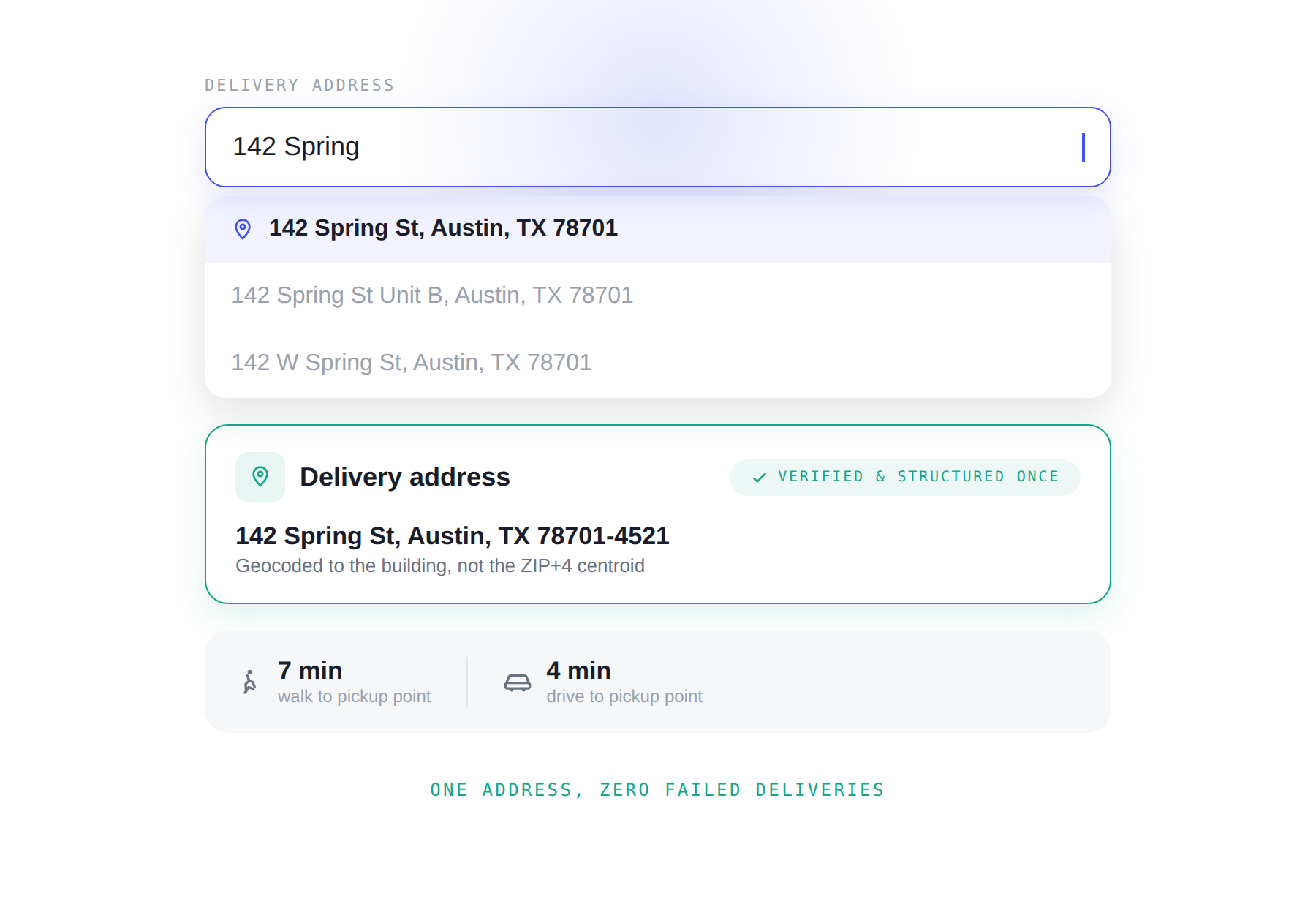
Autocomplete built on a strong, verified dataset (in the US, that means data validated against USPS standards, CASS certification and ZIP+4 delivery point codes) removes the guesswork. A shopper doesn't need to type a full address, and the system returns the correct one on the first try, including a rooftop-accurate location rather than a rough approximation. A ZIP code should return every address within it, and a single selection should autofill the entire form, not just the ZIP code field.
This is the single highest-leverage fix available at checkout, because it addresses both the "complicated checkout" abandonment reason Baymard documents and the address-error problem that costs retailers money after the sale too.
BOPIS and curbside pickup
Show the full picture: distance, travel time, and route, across multiple travel modes. A shopper picking up an order might be walking, driving, or cycling, and letting them see travel time by mode gives them a more accurate basis for choosing a pickup point. Let them navigate their own way too. Some shoppers will always prefer their own navigation app, and that option shouldn't cost them the value of seeing the route on your page first.
Where to start
These three stages aren't independent problems, they're one connected experience. A locator that gets shoppers to the right store, a product page that proves availability before they ask, and a checkout that handles addresses cleanly, work together. A gap in any one of them undercuts the work done at the other two.
Most retailers prioritize acquisition first: the store locator and store page, since that's what gets shoppers in the door.
Others, prioritizing quick payback, tend to start with checkout address accuracy instead. It's the smallest technical change with the biggest return, touching both checkout completion and delivery success rate directly.
Want to see this in action?
Head over to our recorded session to see this exact framework demoed live, or get in touch to talk through what it would look like on your own site.